
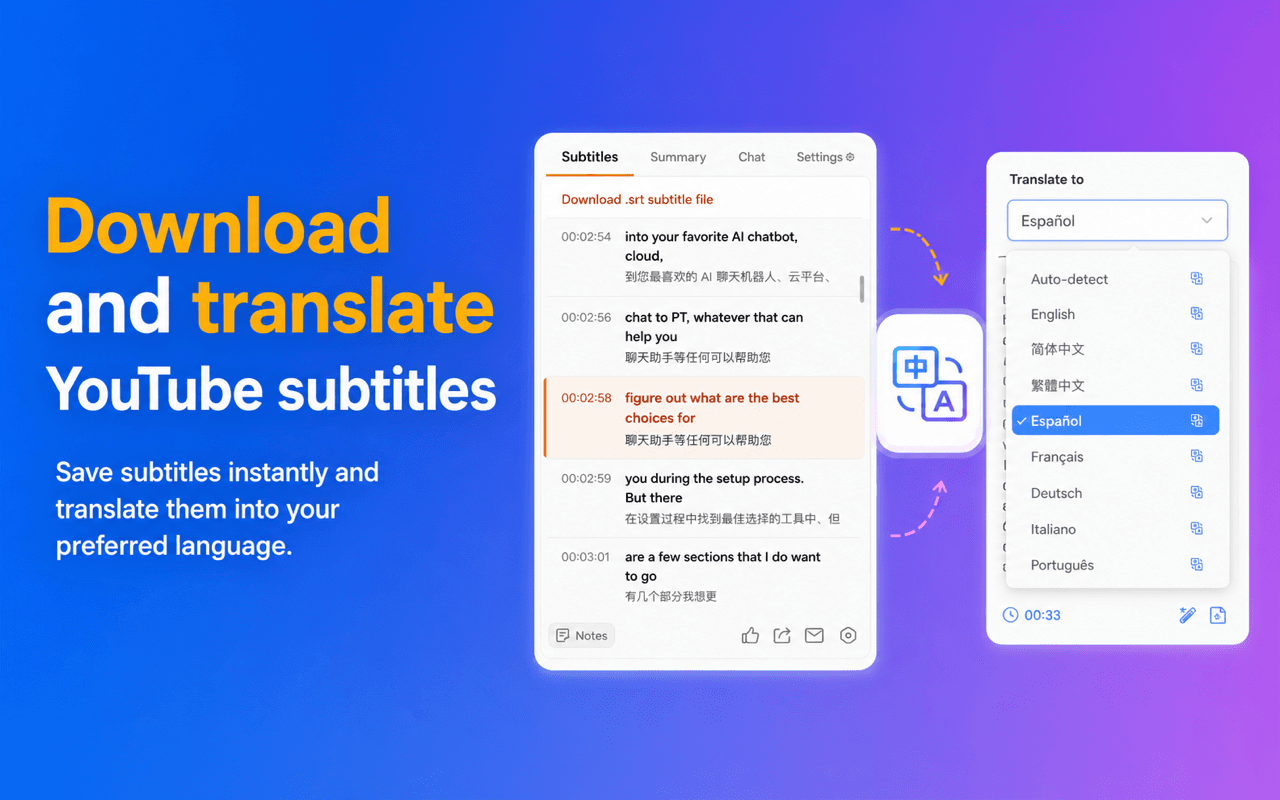
Download and translate YouTube subtitles
Save subtitles instantly and translate them into your preferred language.
Bilingual subtitles, AI summaries, and video chat for YouTube language learning.
Save subtitles instantly and translate them into your preferred language.
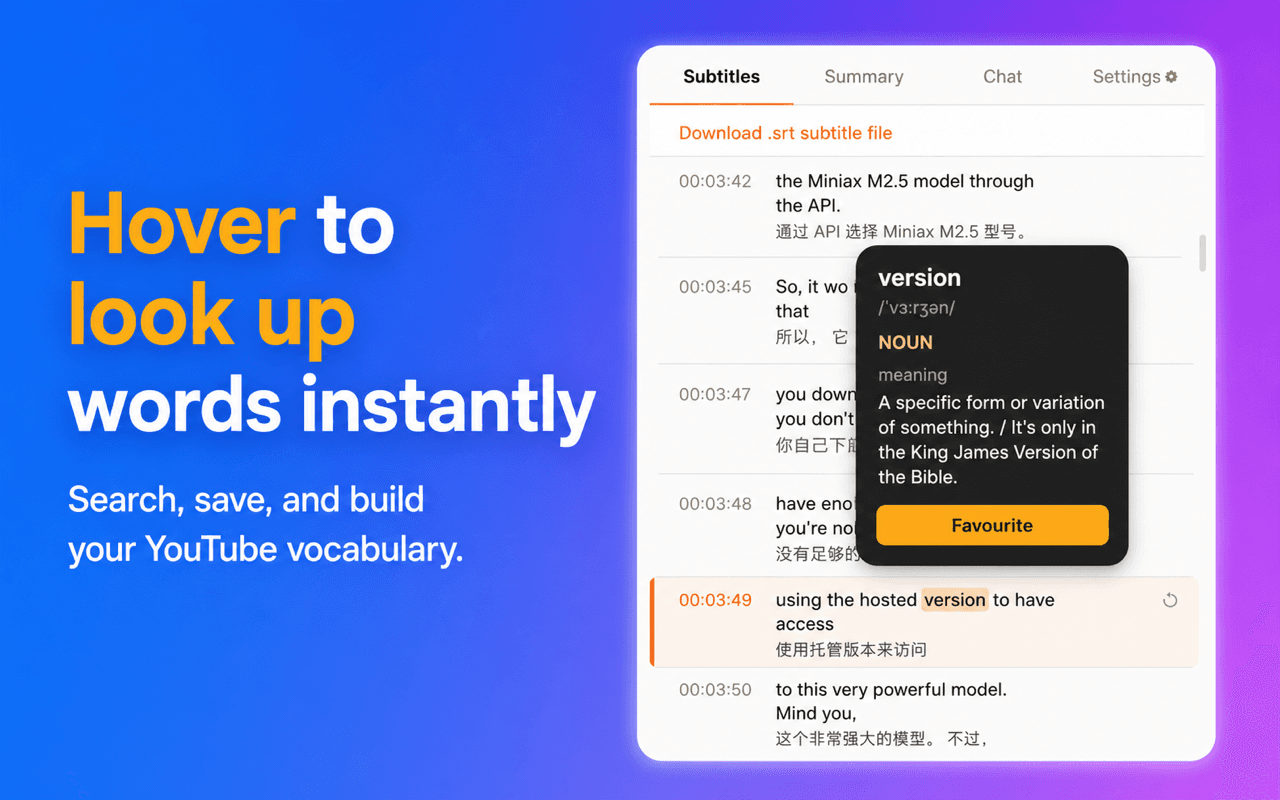
Search, save, and build your YouTube vocabulary without leaving the video.
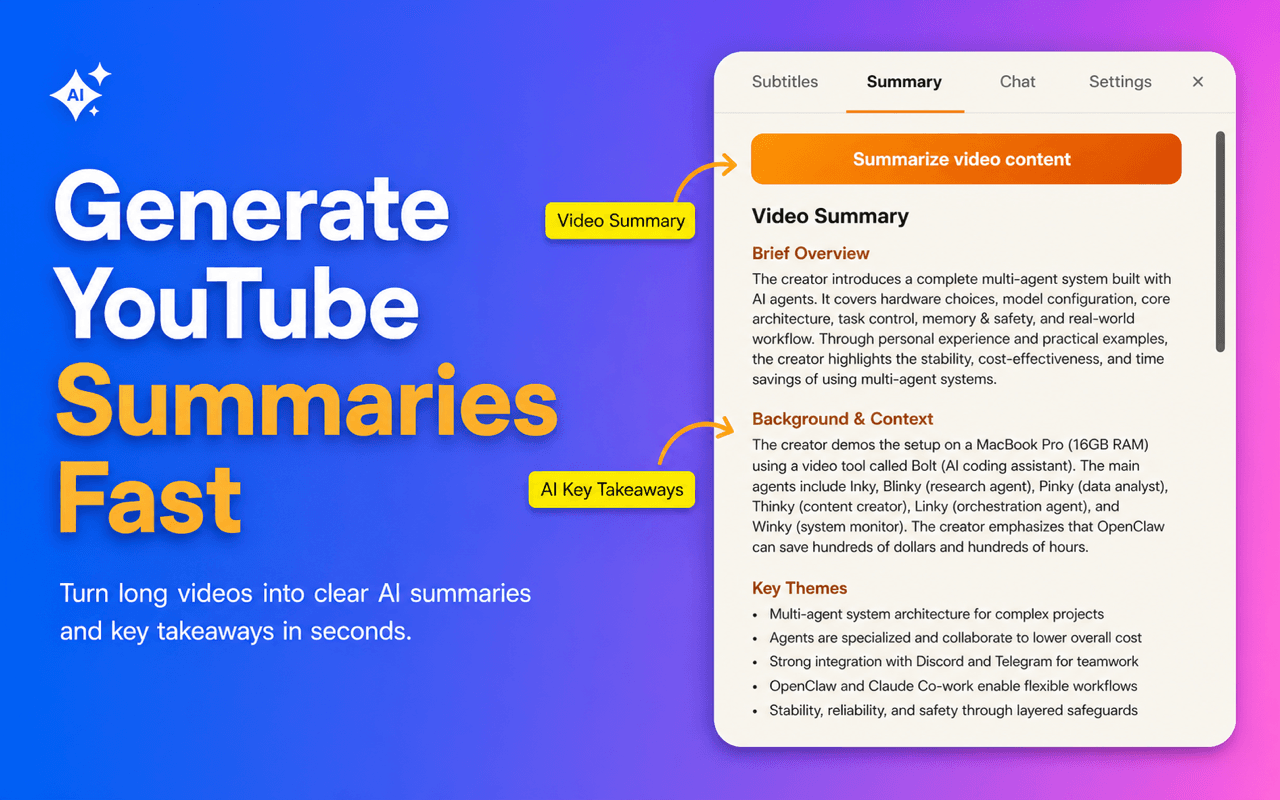
Turn long videos into clear AI summaries and key takeaways in seconds.
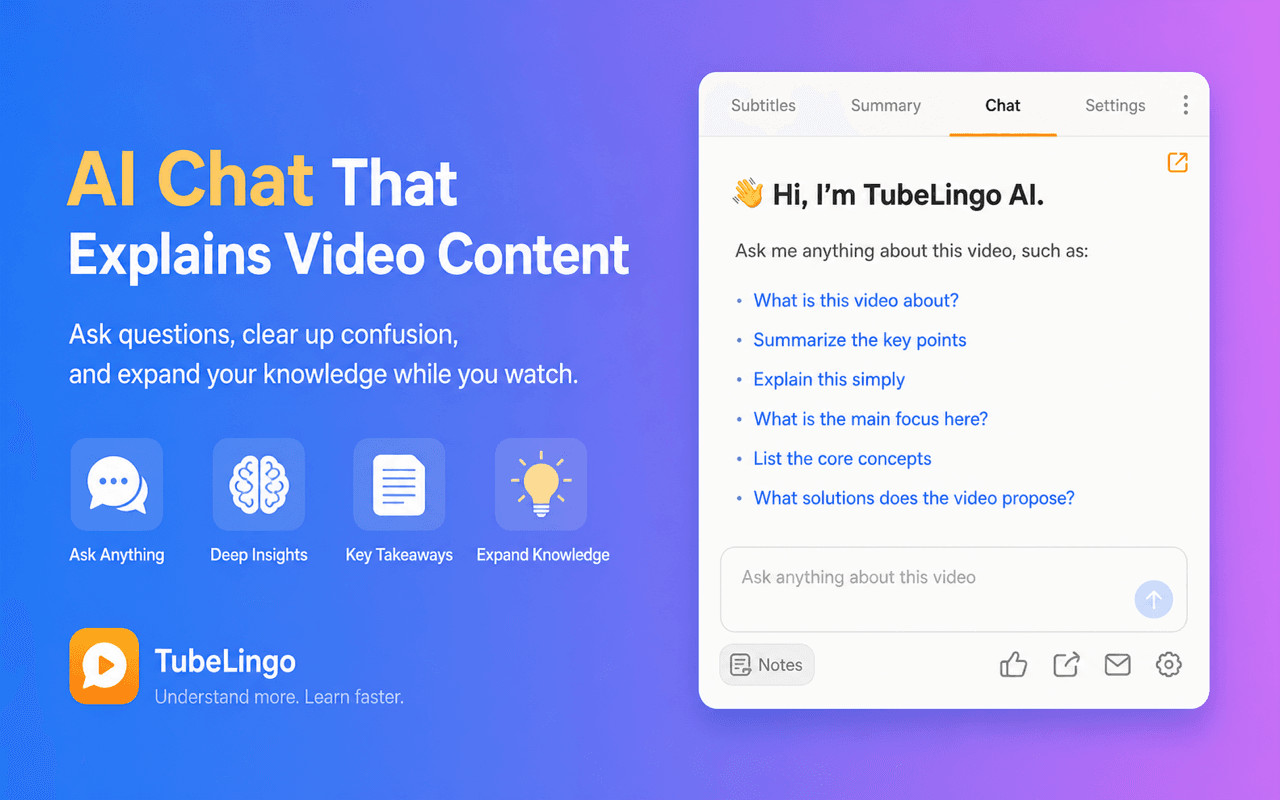
Ask questions, clear up confusion, and expand your knowledge while you watch.
Downloaded four language apps. Used them for a week. Haven't touched them since.
Started a podcast for learners. Too slow. Too boring. Real speakers are nothing like this.
Watched a video in your target language. Paused. Googled. Lost the thread. Gave up after ten minutes.
The problem isn't your motivation. The problem is the tool wasn't built for the way you actually live.
The more understandable input you get — real conversations, real accents, real emotion — the faster your brain rewires.
YouTube is already the most powerful language library on earth. TubeLingo is the key.
TubeLingo combines bilingual subtitles, instant word lookup, saved vocabulary, AI summaries, video chat, and SRT export in one workflow.
See the original caption and your translation together so you can keep watching without losing meaning.
Check any word in context, right inside the subtitle flow, instead of switching tabs or pausing to search.
Save words from real videos so your vocabulary list comes with the sentence and context that made it memorable.
Turn long YouTube videos into clear summaries and key takeaways before you decide what to study deeply.
Ask questions about what the speaker means, clarify confusing points, and keep learning without leaving the page.
Download bilingual subtitles as SRT files for review, editing, note-taking, or study outside YouTube.
Install the extension and you're ready to go.
TubeLingo remembers. Set it and forget it.
The bilingual layer appears automatically. Your brain does the rest.
The full watching workflow — subtitles, lookup, replay, vocab — is free. Forever. Premium adds AI summaries, video chat, downloads, and deeper study tools.
Billed as $29.9 every 6 months
Good for a focused sprint
Billed as $49.9 yearly
The price of one coffee a month, for a language.
One-time payment
Pay once and keep Premium for the long run.
"I always thought I needed a structured course to learn Japanese. Then I started watching anime with TubeLingo. Three months later I can follow conversations I couldn't even parse before."— Mia, 28, learning Japanese
"I stopped saying 'I'll study later' because watching YouTube IS studying now. My Spanish improved more in 2 months than in 2 years of apps."— Carlos, learning Spanish
"The sentence replay alone is worth it. I've been learning Korean for years and I finally understand why native speakers stress certain words the way they do."— Sarah, advanced Korean learner
TubeLingo depends on subtitle availability. If a video has usable subtitles, TubeLingo can build the bilingual viewing workflow on top of that track.
No. TubeLingo uses the subtitle track available on the video as the source, so setup stays simple.
Bilingual subtitles, hover word lookup, and saved words remain part of the free plan. Premium focuses on export and more advanced study features.
No. TubeLingo is designed for learners who want subtitles translated into their own language, so it can support many language-pair learning situations.
Learn when to use bilingual subtitles, transcripts, downloads, SRT export, and Premium review tools.
A high-intent page for users searching for dual subtitles, bilingual captions, and subtitle-based study workflows.
A focused page for users who want to summarize long videos before deciding what to study deeply.
A page for users who want to ask questions about a video without copying transcripts into another tool.
A direct landing page for users who want subtitle export before they learn about the broader workflow.
A focused page for learners who want timestamped subtitle files for notes, review, or study tools.
A practical guide for users comparing transcripts, subtitles, and export formats before they choose a workflow.
A practical article that explains why dual subtitles work better than random passive exposure.
A comparison piece that clarifies why translation alone is weaker than replay, lookup, and saved words.
Users looking for subtitle download or export can jump straight into the Premium explanation.
TubeLingo doesn't ask you to change your habits. It just makes the ones you already have work harder for you.